
Supplier Management
How to Use a Distributor Portal for Wholesale Orders
A distributor portal is the ordering site your distributor gives you after your account is approved. It shows your account's pricing, stock and order history. Because the pricing is set for your account, it can differ from the PDF price sheet you were sent. So it's worth learning the portal before your first order.
Search "distributor portal" and you'll find software companies selling portals to distributors. This post is for the other side: the reseller who just got a login and wants to know what they're looking at.
What a Distributor Portal Does
We read the help pages for portals run by distributors in plumbing, HVAC, electrical and electronics. They do much the same set of jobs:
- Your pricing, worked out for your account.
- Stock, shown by warehouse or branch on some portals.
- Ordering, with a cart, saved lists and quick reorder from past orders.
- Order status and tracking for orders placed on the site, by phone or by email.
- Invoices you can view and download.
- Price files you can download, sometimes called a price book.
Not every portal does all six, and the names differ. But once you know these jobs, you'll know what to look for in any portal.
Why the Portal Price Differs From the Price Sheet
Pricing is where the confusion starts. You were sent a price sheet, then the portal shows a different number.
A portal can work out your price for your account, live, from rules the distributor sets. A software maker's guide to how distributor ordering portals price items describes a "customer-specific price." It says that price "can come from a customer contract," from a pricing formula, or from list price minus a discount. A PDF is a snapshot. It may show list prices, a tier you haven't reached yet, or prices from before the last change.
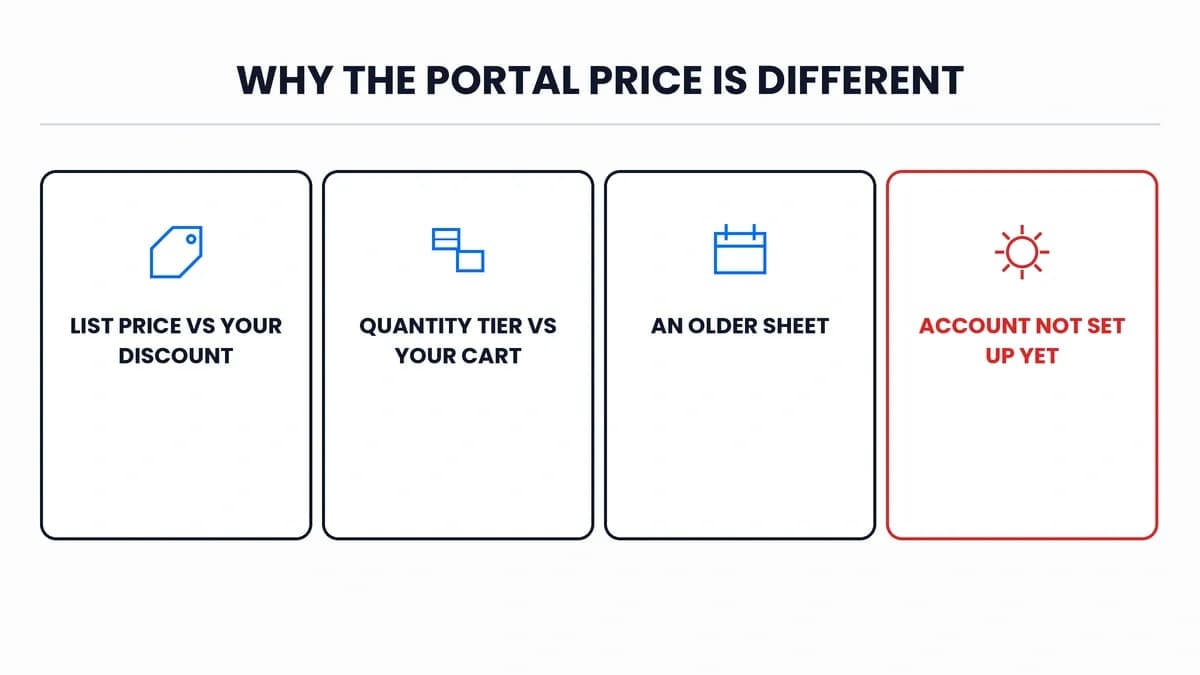
When the two disagree, check these reasons first:
- The sheet shows list price, and the portal shows your discount. Good news.
- The sheet shows a quantity tier, and the portal shows your price at the quantity in your cart. Change the quantity and watch the price move.
- The sheet is older. Prices changed and the portal has the new ones.
- Your account isn't set up yet. The portal is showing a default price until your pricing is attached.
Our post on how to read a distributor price sheet covers tiers and quantity breaks. If you can't tell which reason applies, ask your rep which price you'll be invoiced at. Our post on working with a distributor sales rep covers what they can and can't change.
How to Read Stock in the Portal
Stock needs the same care as price. The portals we read showed stock by location. One lets you see stock "at your location or surrounding locations." The software guide says customers see quantity "from the default pricing site." That's the warehouse your account is tied to.
So "out of stock" might only mean out of stock at your default warehouse. Before you give up on a product, check:
- Other locations. Can you see stock at other warehouses, and can they ship to you?
- Backorder options. Some portals let you hold an order until everything is in stock. One help page calls it Ship Complete. It waits "until all back order or transfer products are available to ship together." The other choice is to ship what's in stock now and the rest later.
- Expected dates. Some portals show when stock is due. If yours doesn't, ask.
A portal also shows only one distributor's stock. If they're out, you can't see who else has it from there. You can search a product free and see real cost and real stock from every verified distributor in our network that carries it.
What to Set Up in Your First Week
Our post on your first 30 days with a new distributor says to get inside the account before you order anything. In the portal, that means:
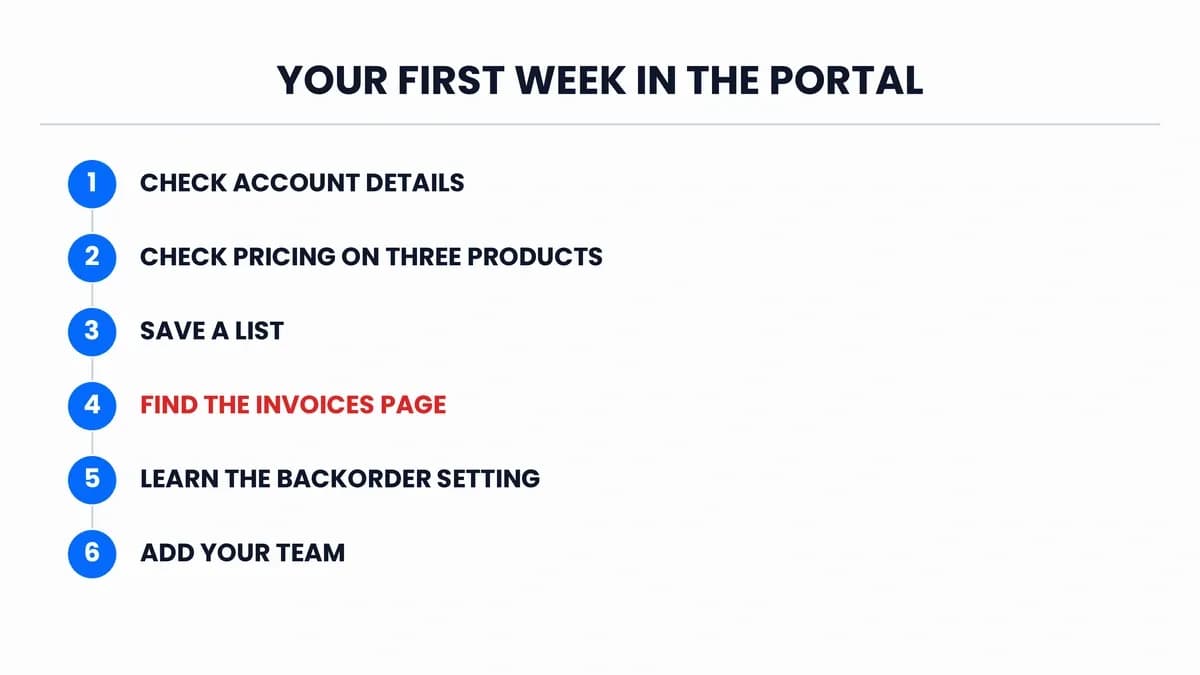
- Check your account details. Business name, ship-to address and tax-exempt status. If your resale certificate isn't on file, you may be charged sales tax.
- Check your pricing on three products you know. Compare them to the price sheet and ask about any gap.
- Save a list. If your portal has saved lists, put your regular products on one. Then a reorder takes a minute.
- Find the invoices page. You'll need invoices if Amazon ever asks where your stock came from. Download each one when it posts. Don't count on the portal keeping them forever.
- Learn the backorder setting. Decide whether you want orders held until complete or shipped as stock arrives.
- Add your team. If someone else places orders, ask whether they can have their own login.
When You Can't See Prices
Some new accounts log in and see products but no prices. If that's you, check three things. Is your account approved yet? Is it linked to a price list yet? And are you using the login tied to your account, or a different one?
Don't order at a price you can't see. Email your rep or the new-accounts team and ask when pricing will show. If the account is still waiting on approval, our post on how to open a wholesale account covers the documents distributors ask for.
EDI vs Portal Ordering
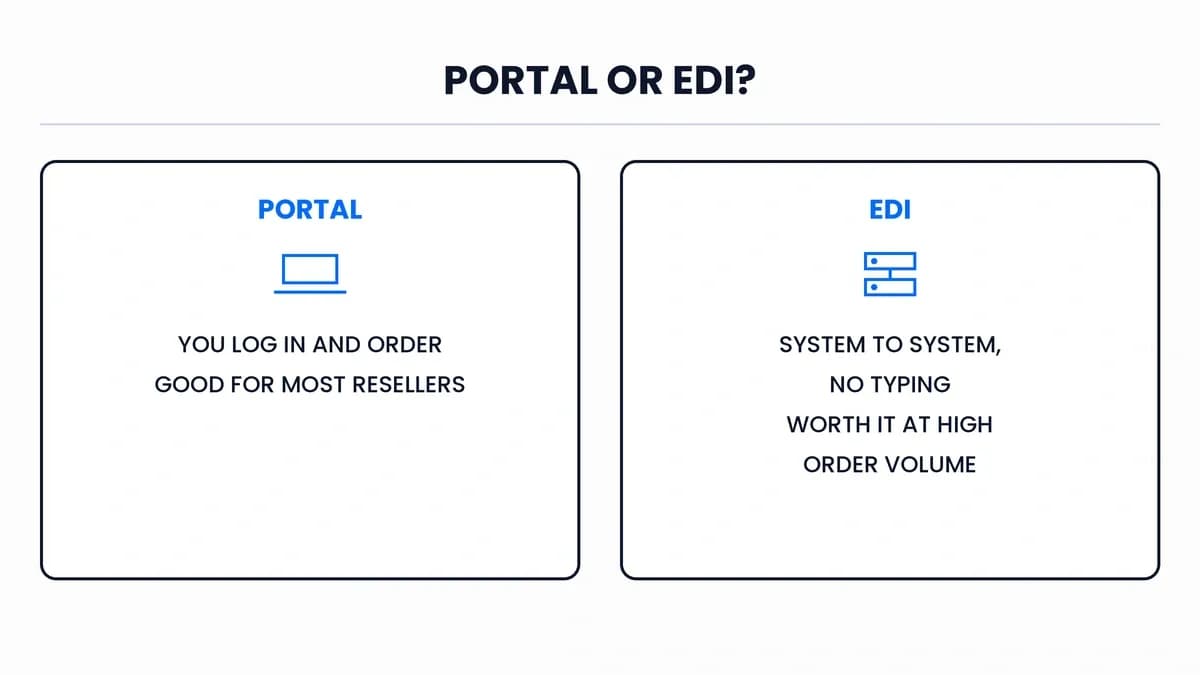
Some distributors also offer EDI. GS1 UK, a standards body, describes EDI as "a method for businesses to transfer information electronically." It replaces paper and typing details in by hand. Orders, invoices and shipping notices go straight from one company's system to another's.
Start with the portal. You log in and order. EDI makes sense when you place a lot of orders. It lets them flow from your own inventory system without anyone typing them. If a distributor offers it, ask what it costs to set up and whether your software supports it.
Distributor Portal: The Takeaways
- A distributor portal shows your account's pricing, stock, orders and invoices.
- The portal price can differ from the price sheet because of discounts, quantity tiers, older sheets or an account not set up yet.
- Stock may only show your default warehouse. Check other locations before you give up.
- Download invoices as they post. You may need them for Amazon later.
- No prices showing? Check approval, price list setup and which login you're using.
- Start with the portal. EDI makes sense at high order volume.
Learn the Portal Before the First Order
Your distributor portal is where the account actually happens. Pricing, stock and invoices all live there. Spend a little time on it in week one. It can save you from ordering at the wrong price, or losing an invoice you'll need later.
And when one portal says out of stock, that's only one distributor's answer. If you can't find any distributor for a product, you can Request a Supplier. Our team will look for an authorized wholesale distributor who carries it.
Frequently asked questions
01What is a distributor portal?
02Why is the price in my distributor portal different from the price sheet?
03Why can't I see prices in my distributor portal?
04What is the difference between EDI and a portal?
The B2B SupplierHub Team
Wholesale & sourcing
Stop hunting suppliers by hand. Type a UPC instead.
B2B Supplier Hub shows the suppliers in our network carrying a product on one page: wholesale cost, stock, and retail price side by side. Free to search, no card required.