
Distributor Authorization
Price List Analyzers: How to Scan Distributor Catalogs Against Amazon
Most of a distributor's price list is junk for Amazon. That is not a knock on the distributor. Their catalog was built for their business, not for your Amazon numbers, so once you take out fees and prep, most of it will not make money. The trick is finding the few products that do without checking every row by hand. That is what a price list analyzer is for. Here is how these tools work, how to run one, how to pick one, and the places they will quietly mislead you. If you are new to sourcing, start with our guide to finding wholesale suppliers first.
What Is a Price List Analyzer? What It Pulls From Amazon
A price list analyzer is software that takes a supplier's spreadsheet and checks every product on it against Amazon, so you can see which items are actually worth buying. You hand it a file with barcodes and your cost, and it hands back the Amazon selling price, the fees, how well each product sells, and your profit on every single line. What used to take a team of assistants' days now takes a few minutes.
For each product it can match, the tool pulls back the numbers you need. You get the current Buy Box price, plus the average price over the last 30, 90, and 180 days so one odd day does not fool you. You get the sales rank and a rough guess at how many sell a month. And you get the Amazon fees, the number of other sellers on the listing, whether Amazon is selling it too, and whether the product is restricted. That is what "scanning against Amazon" means. It puts your cost from the distributor next to what the product actually does on Amazon and does the math for you.
There are several solid tools that do this, including Scan Unlimited, Seller Assistant, Analyzer.Tools, and RocketSource. We compare them head-to-head in our Scan Unlimited alternatives post, so this guide stays focused on the how rather than the which.
How to Run a Price List Scan: Step by Step
The process is simpler than it sounds once you have done it once.
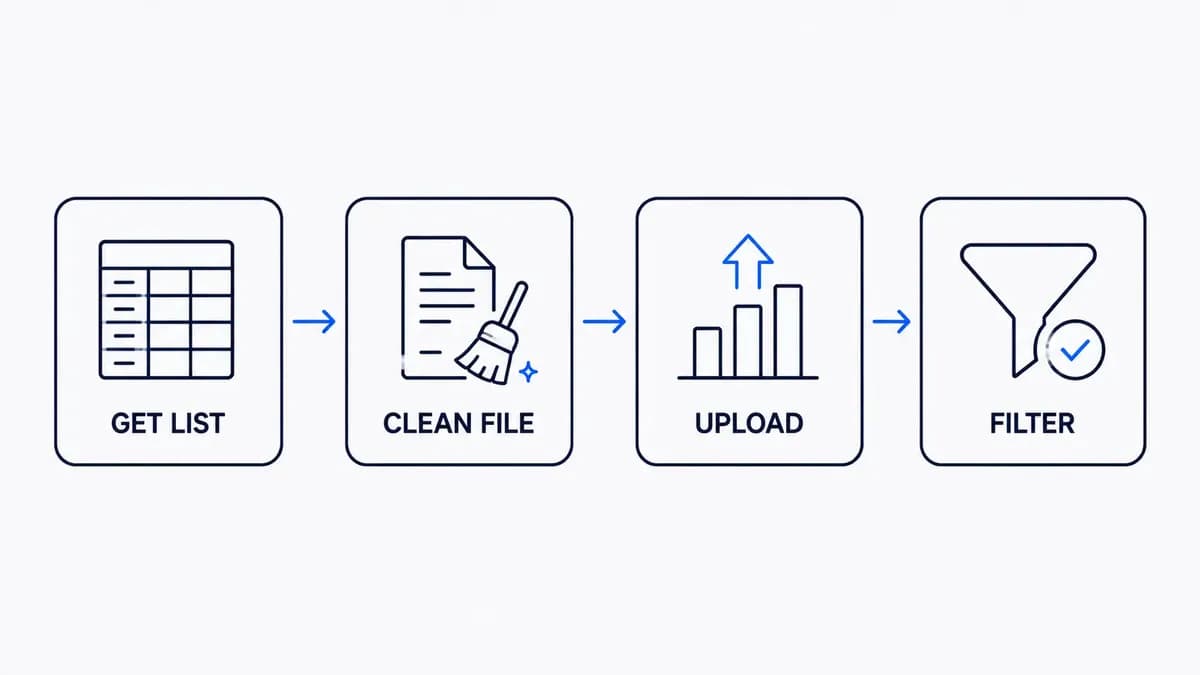
First, you need the price list itself, and it has to include two things at a minimum: a barcode column (UPC or EAN) and your cost. One honest catch here is that plenty of real supplier lists show up with only a model number or a manufacturer part number, or with barcodes that are broken or missing. When that happens, the tool has nothing clean to match on, and those rows simply fall through. It is worth knowing that going in.
Second, clean the file before you upload it. UPCs should be 12 digits and EANs should be 13. Spreadsheets love to drop the leading zero off a barcode, so put it back. Remove any stray quote marks, blank rows, and extra header lines sitting above your data. A few minutes here saves you a pile of bad matches later.
Third, upload the file and map the columns so the tool knows which one is the barcode, which one is your cost, and which is the product name. Set your marketplace and add your prep cost per unit while you are there.
Then you hit analyze, and the tool matches every barcode to its Amazon listing and fills in the numbers. If you want a hand reading the raw columns and units on a distributor sheet, our post on how to read a distributor price sheet breaks that down.
How to Filter a Price List Down to the Winners
A scan of the whole list still hands you the whole list. The point is to filter hard and only look at the few that survive. Most sellers set a floor on profit and return. Something like a profit of at least two or three dollars a unit, and a return above whatever percentage they have decided on. Then they cap the sales rank, so they are not buying something that sells twice a year. And they check how many other sellers are on the listing. You want a few, which tells you the product is real and not locked to one brand, but not so many that everyone is fighting over pennies.
On top of that, cut anything where Amazon is on the listing, cut restricted and gated products, and cut hazmat or meltable items unless you are set up for them. One last thing that catches people out: price your math off the average Buy Box, not today's price. A single price spike last night can make a dead product look like a winner.
Here is the part nobody warns beginners about. A big list will hand you a small shortlist, and that is correct, not a failure. A distributor's catalog was never built for Amazon resale, so most of it was never going to work. A small fraction of the list clearing your targets is a normal, healthy result, so do not go hunting for a way to rescue the rest.
Where Price List Analyzers Get the Numbers Wrong
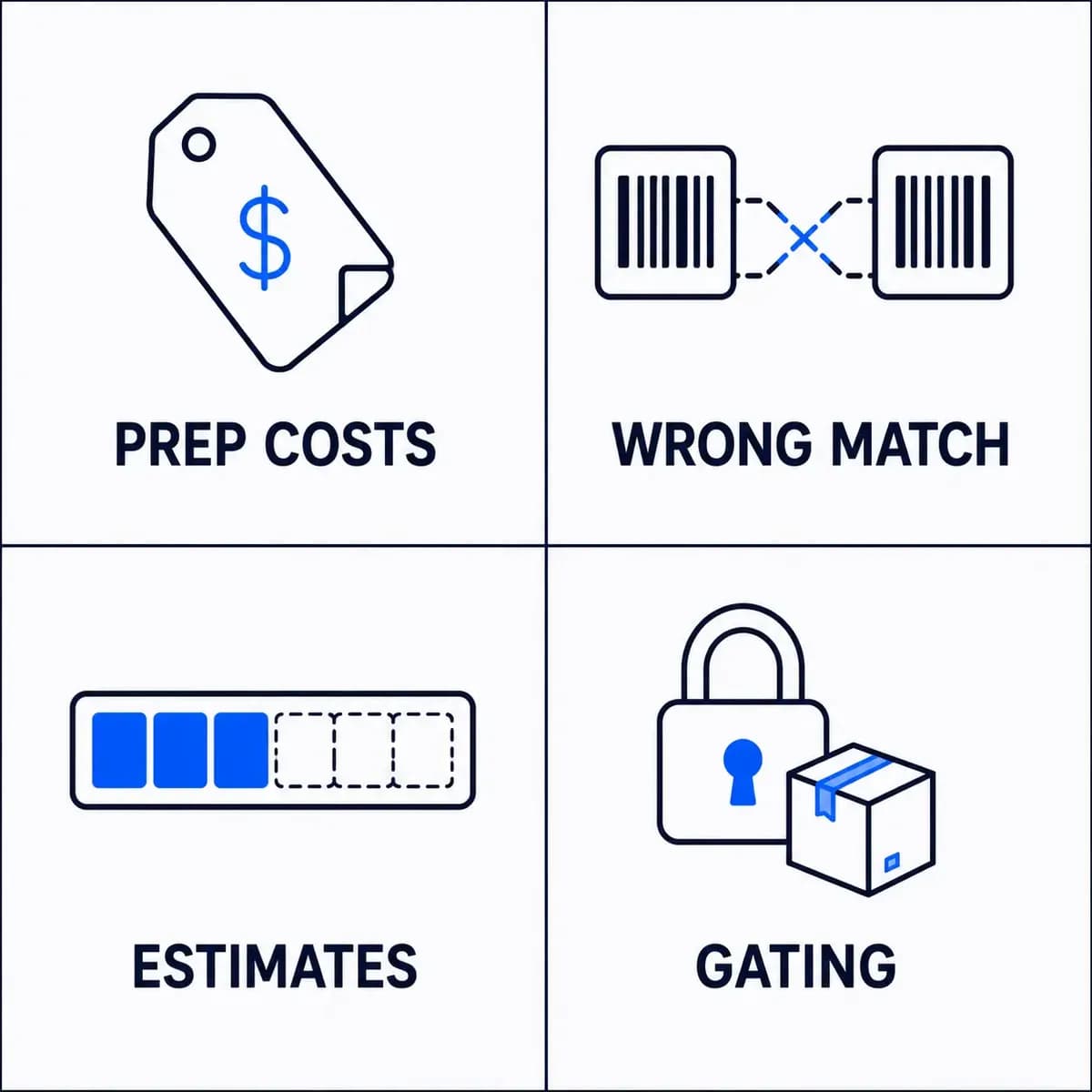
A price list analyzer is a calculator, and a calculator only knows what you feed it. The biggest trap is prep and inbound shipping. The tool takes out Amazon's fees for you, but unless you type in your prep and freight cost, it treats them as zero, and getting a product prepped and shipped to a warehouse is never zero. That is the prep field you set when you upload, so fill it in honestly, or your whole shortlist will look better than it really is.
The next trap is matching. If a barcode links to the wrong Amazon listing, every number on that row is wrong, from the price to the profit. When you see a return on investment that looks too good to be true, check the match before you get excited. It usually is.
A few more to keep in mind. The sales estimates are estimates, not promises. Gating is tied to your account, so a product that shows as fine might still be one you personally cannot sell until you get approved, which you confirm in Seller Central. And these tools do not enforce MAP pricing for you. Some will flag brands that are known to file complaints, which helps, but none of it is airtight, so a healthy profit line can still turn into a headache after you buy.
How To Choose A Price List Analyzer
If you are shopping for a tool, a few things actually matter and the rest is noise. Look at how big a list it can handle and how fast, because a tool that chokes on a fifteen thousand row file is not much use. Check whether it prices off average Buy Box windows, whether it flags restrictions for you, and whether you can edit your cost and prep right in the results and watch the profit update. Ask how fresh the Amazon data is, since stale numbers lead to bad buys. Then weigh the price against how much you actually scan.
For a full side by side, our Scan Unlimited alternatives post does the comparison. If you only need to spot check a few products, some tools offer free barcode to Amazon conversions, and that is enough. And if you have seen the offers on Fiverr where someone will scan a list for twenty or thirty dollars, that can work once, but you are paying again every single time and trusting a stranger's filters. It is a stopgap, not a system you own.
The Half a Scanner Can't Do: Reverse Sourcing
A price list scan works in one direction. You start with a supplier's catalog and find the good products inside it. That is useful, but it has two limits. You already need to be approved with that supplier to get the list in the first place, and you end up throwing away almost all of it.
There is a second question a scanner cannot answer. You already have a product that sells well for you. Who else can get it, and at what cost? That is reverse sourcing, and it is the other half of a real sourcing setup.
That is where B2B Supplier Hub fits. You start with the winning UPC, search for free, and see the exact wholesale cost, the real stock, and the retail price from the distributors in our network who carry it. Every listing shows a freshness timestamp, so you know how current the numbers are before you trust them. You only spend a reveal credit when you decide you want to connect with a supplier, and once you reveal one, that supplier is yours to keep, even if you cancel later. If a reveal goes stale within 60 days, the credit comes back to you on its own. A bulk scanner that checks a whole list of winners at once is something we are building next.
The people building it are not new to this. The same team spent ten years running Leverify, a wholesale distribution business, and built relationships with more than 500 suppliers along the way. That decade of doing the sourcing by hand is what B2B Supplier Hub is built on.
Find The Supplier Behind Your Next Winner
A price list analyzer is one of the best time savers in wholesale, and if you source from supplier catalogs, you should be using one. Just remember what it is: a way to dig through a list you already have. The moment you flip the question around and ask who else carries a product you already know sells, you are doing something completely different, and that is the part that protects your business when a supplier runs dry or raises prices. You can search B2B Supplier Hub for free and see every number before you spend anything. See the deal first. Decide on the supplier when you are ready.
Frequently asked questions
01How do I scan a wholesale price list for Amazon?
02Is there a free price list analyzer?
03Why do so few products on a distributor list turn out profitable?
04Do price list analyzers tell me if I am gated?
05What file format do I need?
The B2B SupplierHub Team
Wholesale & sourcing
Stop hunting suppliers by hand. Type a UPC instead.
B2B Supplier Hub shows the suppliers in our network carrying a product on one page: wholesale cost, stock, and retail price side by side. Free to search, no card required.